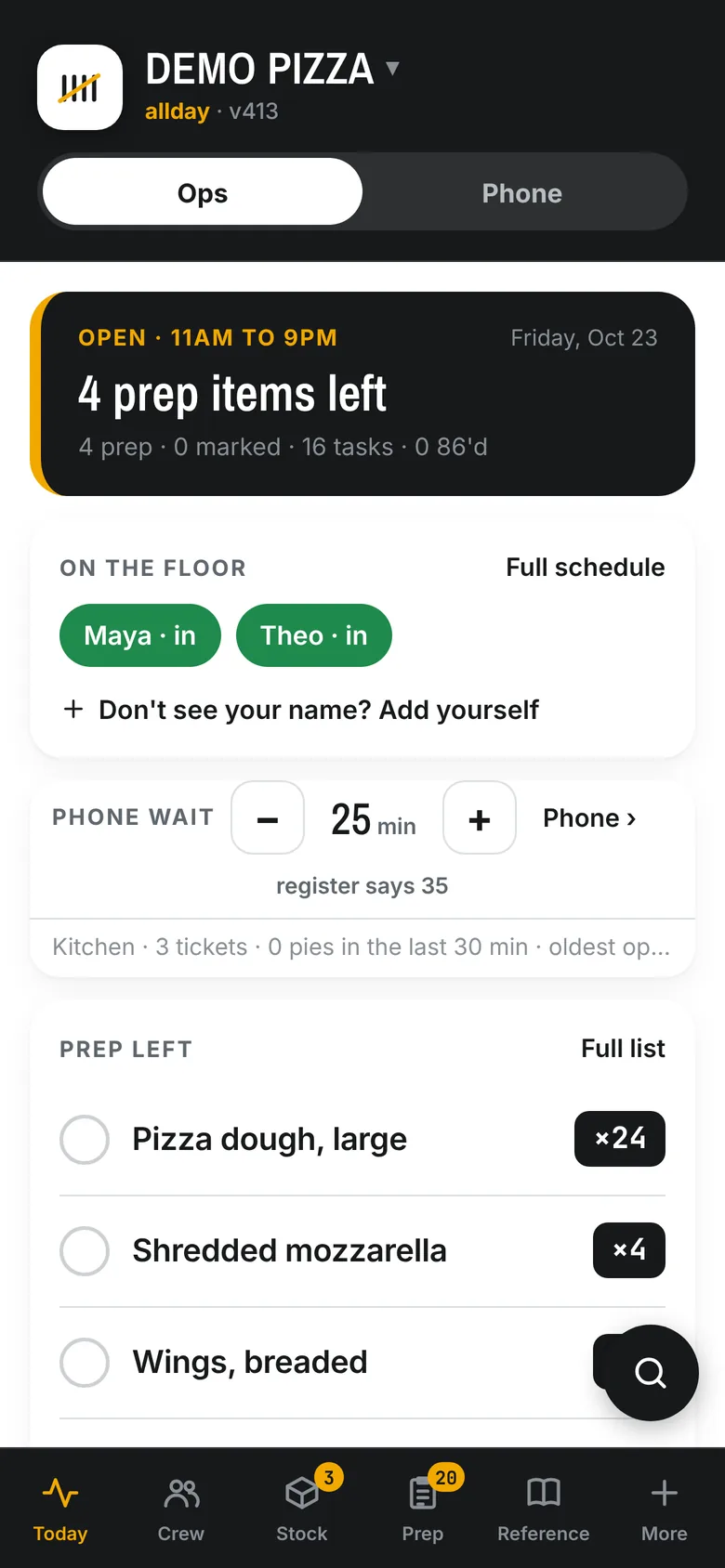
Before open
A look from home
Who's clocked in, what's left to prep and what's 86'd, on the owner's phone before he leaves the house.
For pizza shops on Clover Built at On Point Pizza
An AI that picks up every call and rings the order into your Clover. Online ordering at your register's prices. One kitchen screen for the whole night. The time clock, the tips and the payroll file. On Point Pizza runs on it every day, and we set it up to fit the way your shop runs.
Fifteen minutes with Chris, the owner of On Point. He shows you his own shop running on it.
Nothing to install. It runs on the tablets and phones you have, and it reads your menu and prices from your Clover. The phone is two months free on your real line.
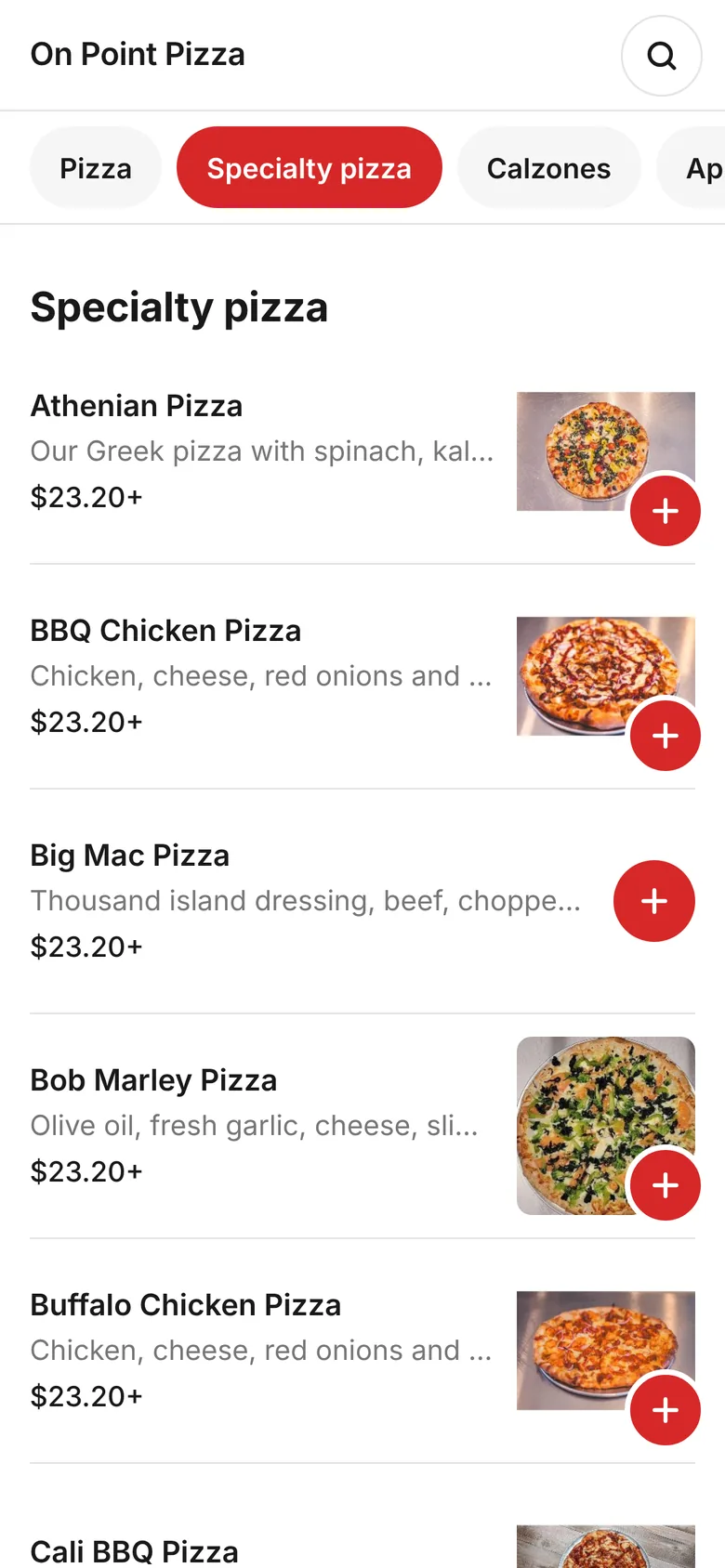
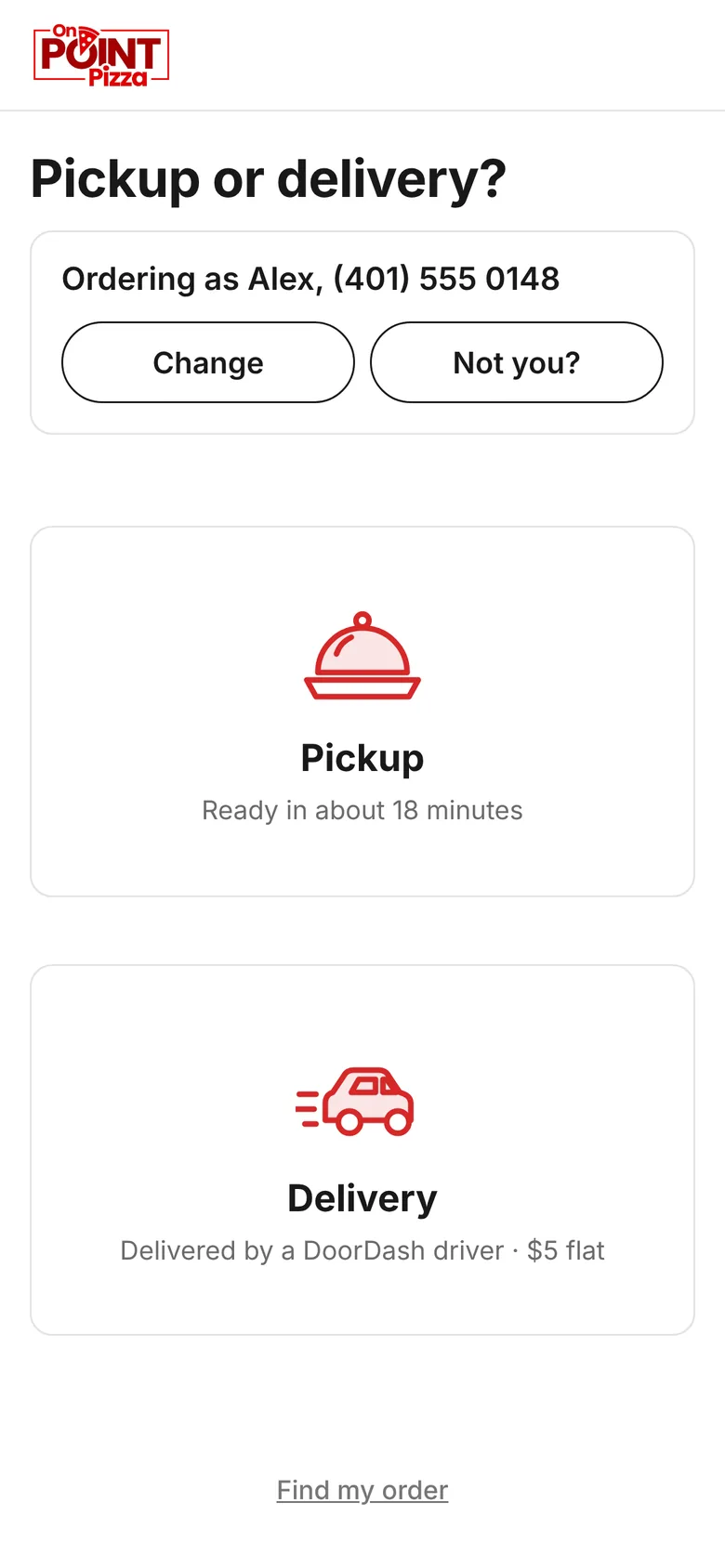
The counter, and On Point's live order page.
Used every day at On Point PizzaNarragansett, Rhode Island. Twenty years in pizza, and the shop runs on SoFire every shift.
Your Clover is the bossSoFire reads your menu, your prices and your orders from the register. It writes to it only when you tap, and you can undo it.
You pay for orders, not for ringingThe telemarketer, the wrong number, the guy asking your hours, your own crew testing it. None of that costs you a cent.
Take any one of them on its own. They're better together, because they all read the same menu, the same 86 board and the same wait.
First ring, every call. It knows your menu, your prices and tonight's wait, reads the order back once, and the ticket prints in your kitchen.
How it answers Online ordering Your menu, your prices, no middleman.Pay at pickup or by card. A photo on every item. Order now or for later. Delivery by a DoorDash driver for a flat fee. No commission on your own customers.
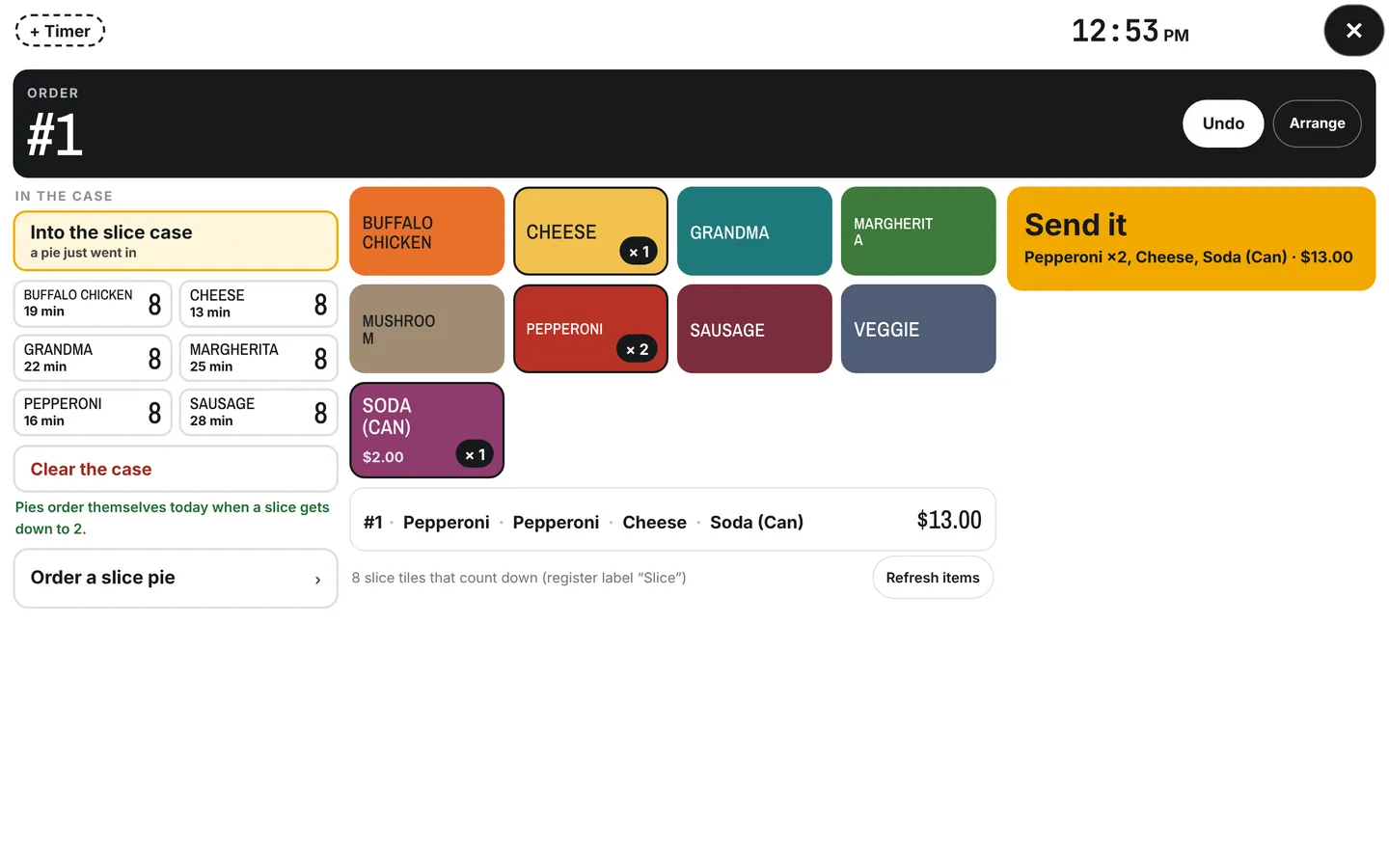
See the order page The kitchen screen The whole night on one screen.Phone, online and counter orders in one place, with a running count of what's in the oven and what's next. The slice case keeps its own clock.
See the kitchen screen Kitchen and crew The clock, the tips, the payroll, the prep.Punch in with a PIN. Tips split by hours and reported per person. One file to ADP. Prep lists, the food order with every vendor's price side by side.
See the crew sideSeven o'clock. Two people on the make line, one on the oven, six people in the lobby, and the phone goes. Somebody picks it up with flour on his hands and shouts across the kitchen to ask what the wait is. That call took ninety seconds. What it cost was whatever he was in the middle of.
Now it's answered on the first ring by something that knows your menu the way your best phone person does, and the order is in the register before the caller hangs up. Your crew only hears the phone when a caller needs a person.
Nobody on the line stops for it. The robocall, the wrong number and the guy asking your hours all get answered, and every call is in your list with its recording, so you can see what each one was.
On Point Pizza, what can I get you?
Can I do a large pepperoni and an order of chicken fingers?
Sure. Fingers come three piece or six.
Six. How long?
About forty minutes tonight. So that's a large pepperoni and a six piece chicken fingers. Can I get a first name?
Mike.
Got it, Mike. You're all set, ready around quarter of eight.
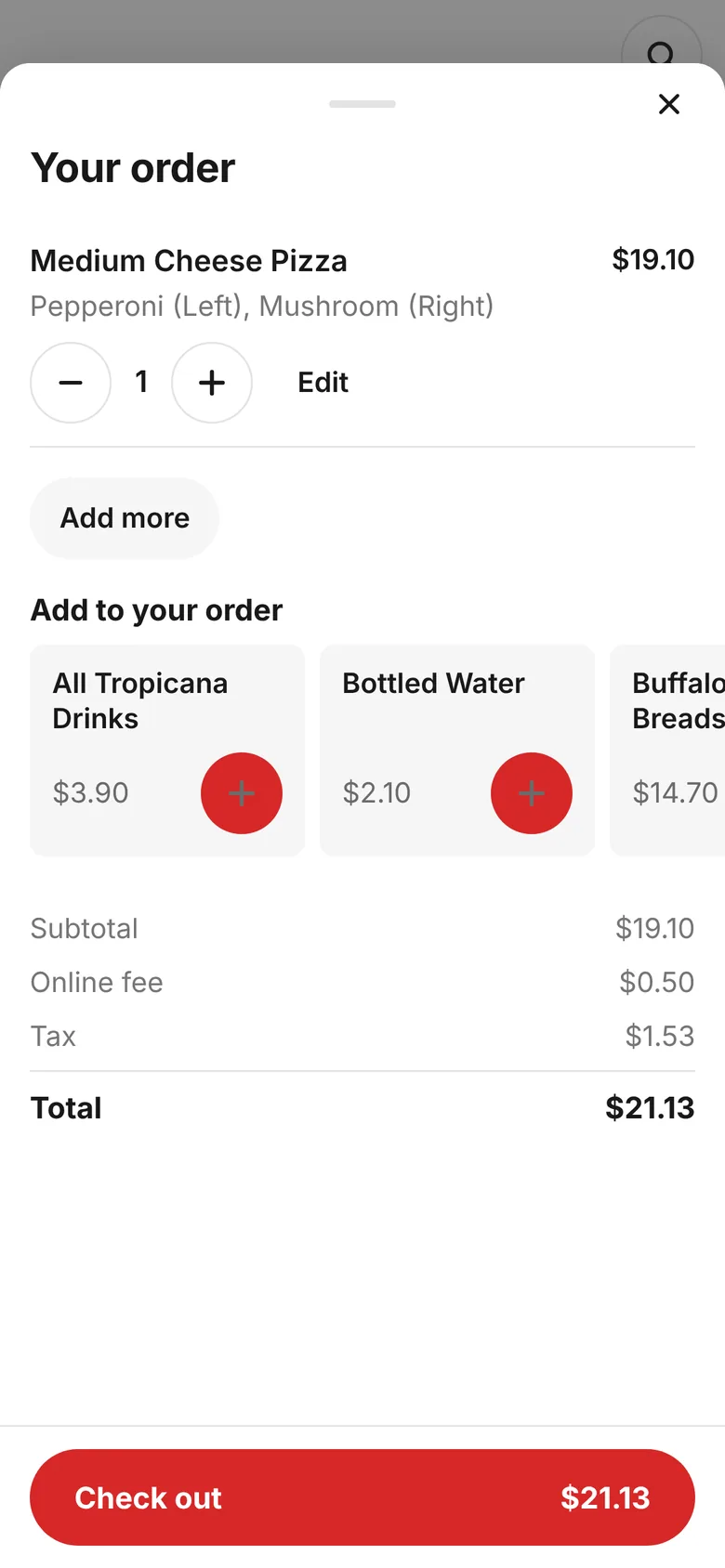
The order page reads your Clover, so it's your real menu at your real prices, with a photo on every item.
Phone, online and counter orders on one screen, on any tablet you point at it.
| Crew | Hours | Share | Tips |
|---|---|---|---|
| Dan | 8.0 | Full | $76.06 |
| Marisa | 7.5 | Full | $71.31 |
| Kyle | 6.0 | Full | $57.05 |
| Jordan | 4.0 | Half | $19.02 |
| Alex | 7.0 | Full | $66.56 |
| Driver tips from DoorDash and Uber, kept separate | |||
Type in what came in. SoFire splits it by hours worked, handles the half shift, keeps the DoorDash driver tips out of the pool, and evens out the cents. At the end of the pay period, hours, overtime and each person's tips go out in the file RUN Powered by ADP takes, so tips are reported per person the way the new rules want.
Behind that, the rest of the back of house: the prep list you check from your couch, the schedule that fills itself in from your usual week, and the food order with every vendor's price side by side.
SoFire came out of one shop in Narragansett and still runs it. This is a normal day there.
Before open
Who's clocked in, what's left to prep and what's 86'd, on the owner's phone before he leaves the house.
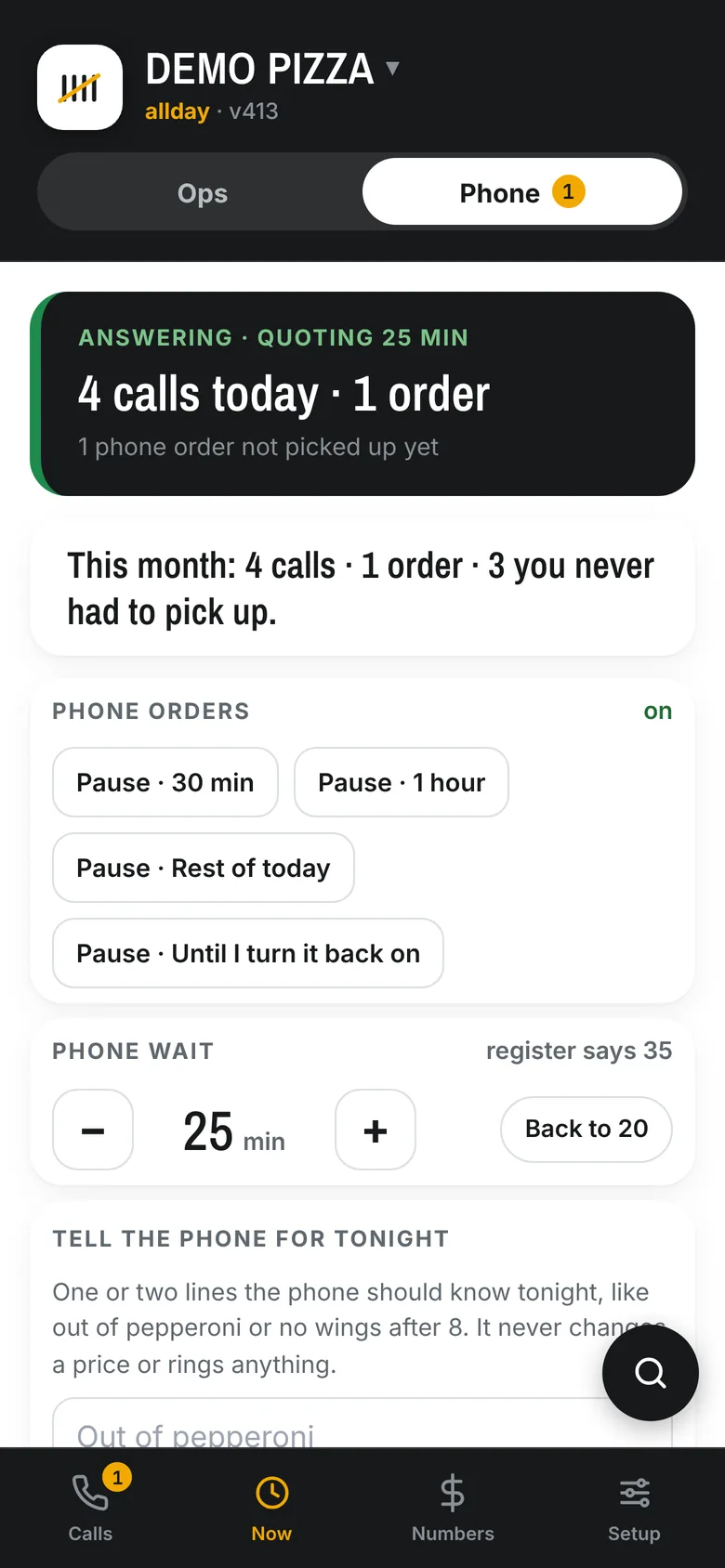
All day
Every call is picked up and the orders go straight into Clover. The crew only hears the phone when a caller asks for a person.
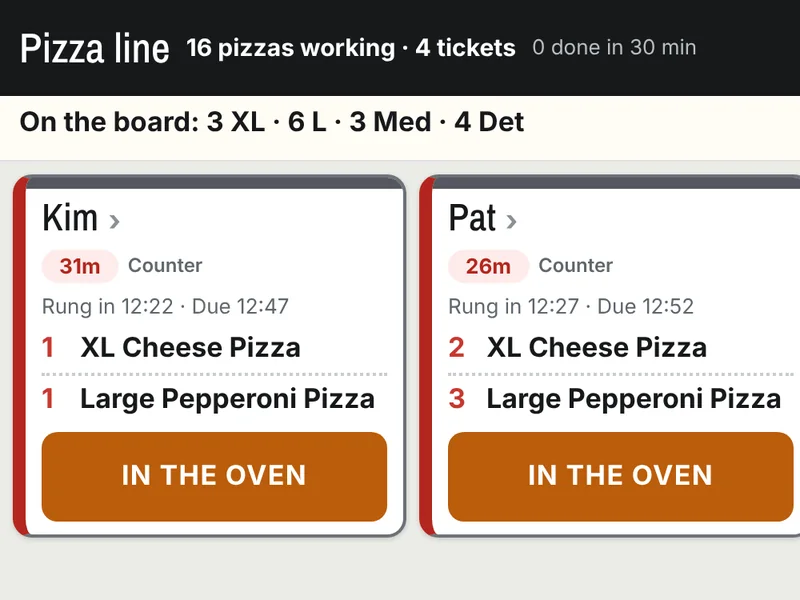
The rush
Phone, online and counter orders land in one place, with a count of what's going in the oven next.
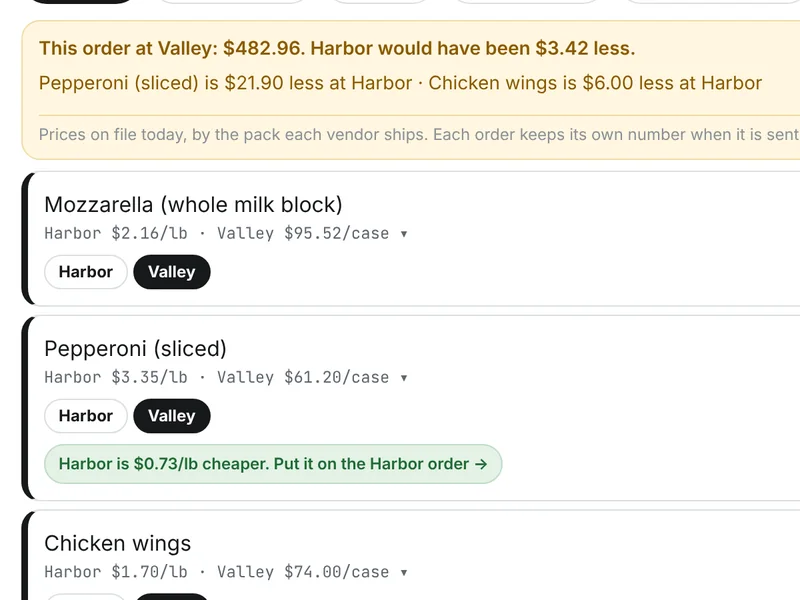
Order day
Both distributors' prices side by side, and it points out which items are cheaper on the other truck.
Screens straight from the app. The order page is On Point's own, live today.
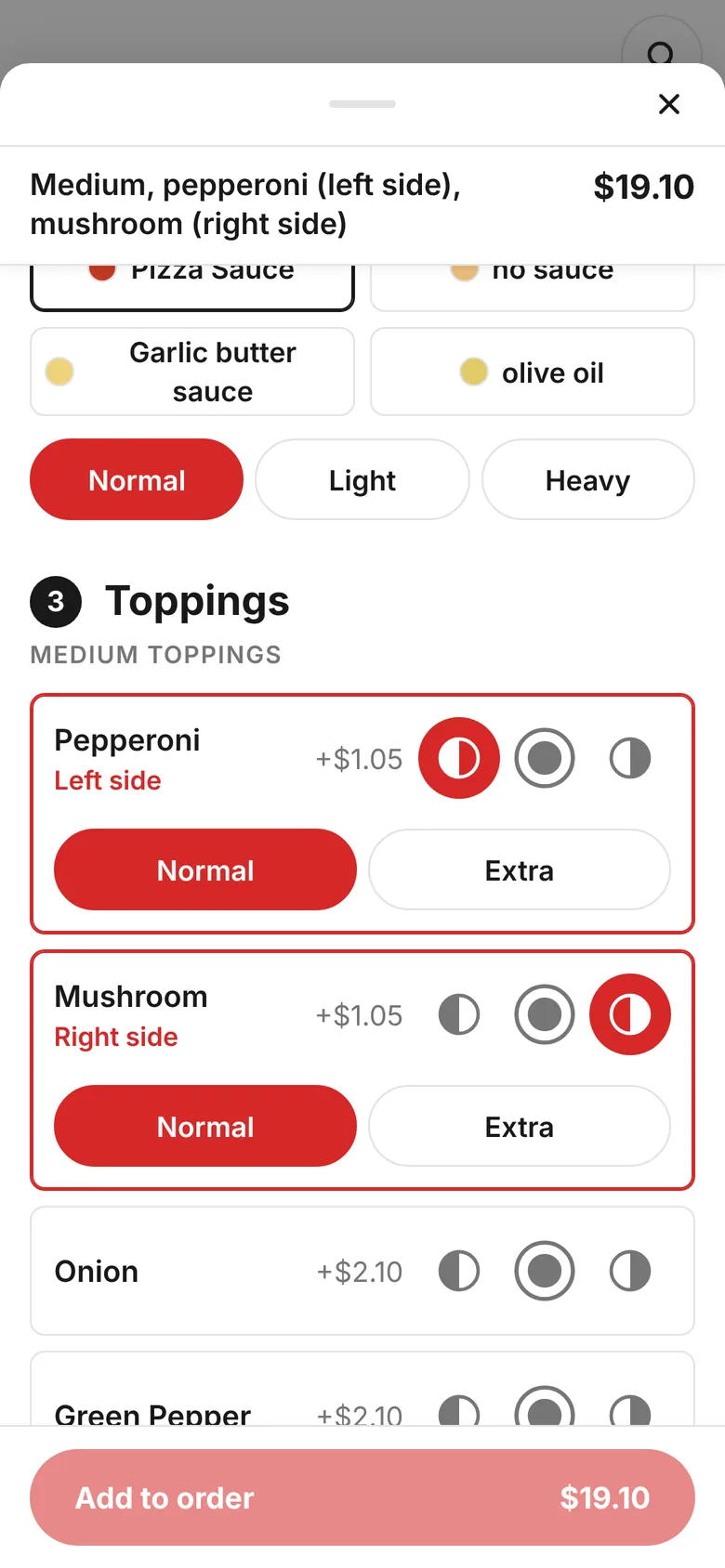
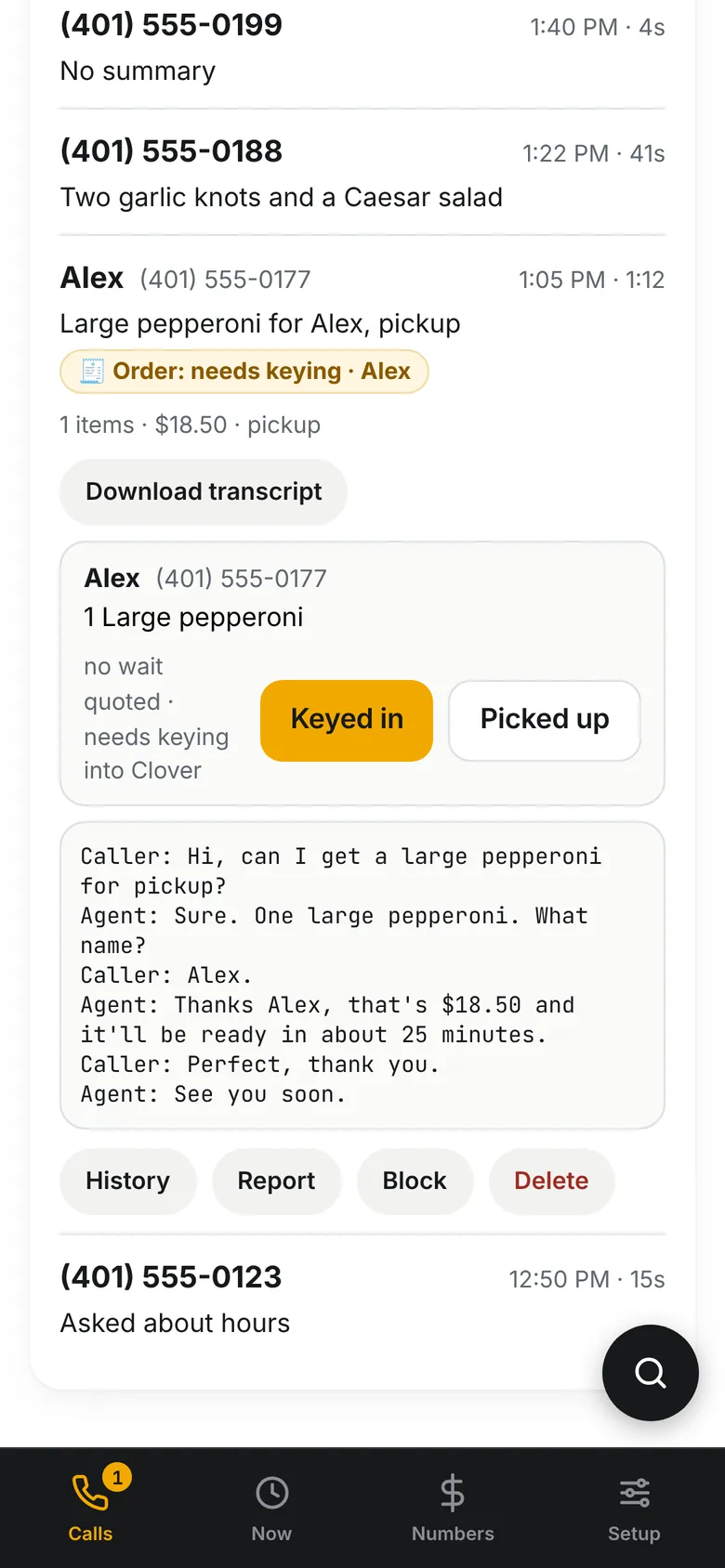
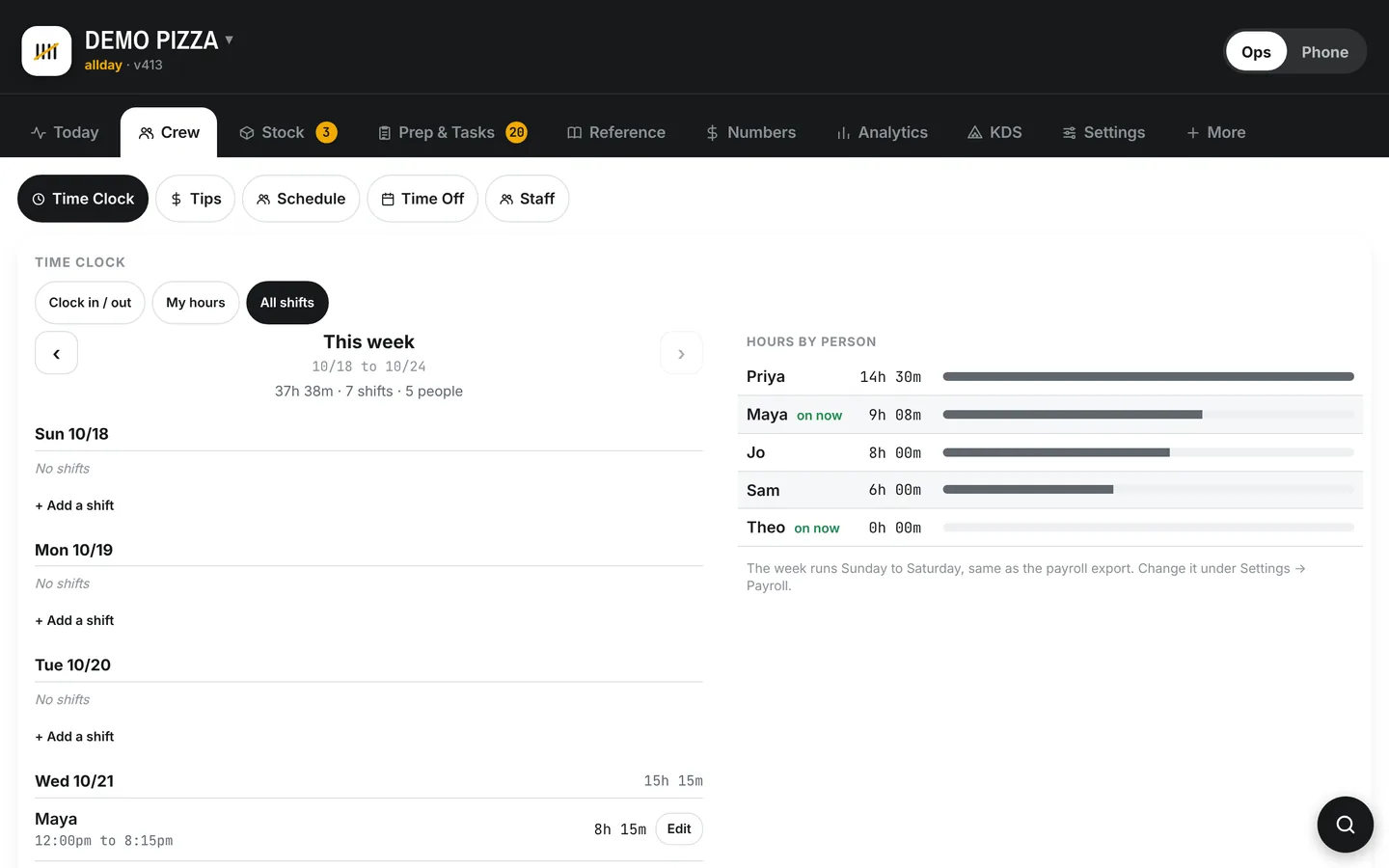
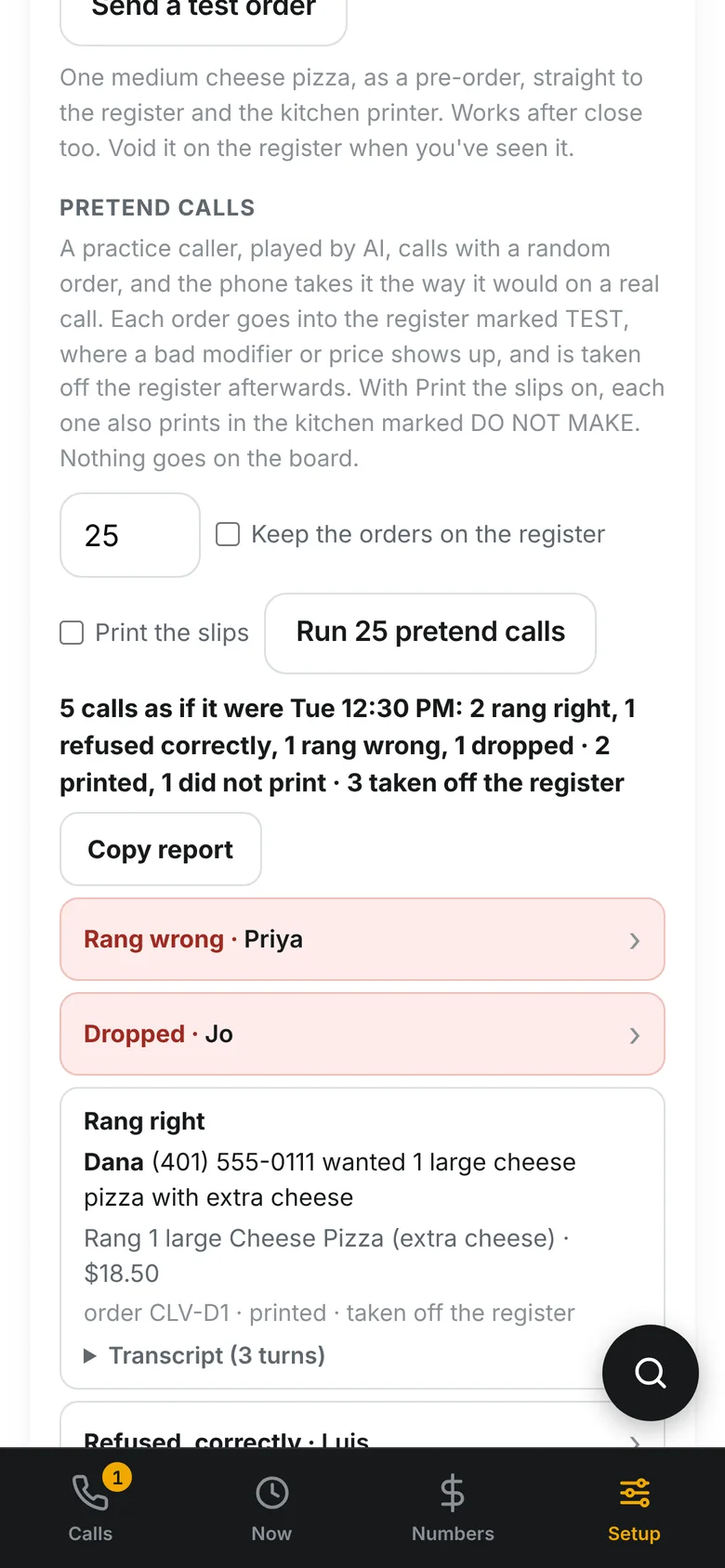
Swipe for more. Kitchen, phone and crew screens show a sample shop with made up names.
Flat monthly for the app, by the minute for the phone. No contract, no fees per employee. Start with the piece that hurts most and add the rest when you want it.
The front of the shop.
plus $50 a month for each screen, kitchen or counter
The whole shop.
plus $50 a month for each screen, kitchen or counter
$500 setup, done for you
The founding rate. On any tier, or alone.
The founding rate. $199 is the phone's price for the first shops in, the ones we build it with. We want your feedback as much as your business.
Setup is done with you. Your menu comes straight from your Clover, and you try the phone on a demo shop with its own number before it touches your line. The phone's setup is $100, charged when the two free months end. Kitchen is set up for you for $500.
No two pizza shops work the same way. Your sizes and half and half rules, your delivery area and fee, what the phone says when it picks up, how long a pie sits before it's tossed, who's allowed to change a price. Each of those is a setting in SoFire, and there are a lot of them for exactly that reason.
You don't have to dig through them. We go over your shop with you and set it up before your first shift on it. After that, call or text Chris directly. During the day you'll usually hear back right away. After hours, text if something is broken. It isn't round the clock, but someone will see it and get back to you fast.
Tell us. Chris reads every request. If it would help a shop run better, it goes on the list, and plenty of what's in SoFire today started as somebody asking. If it only fits one kitchen, he'll tell you so and help you find a setting that gets close.
An owner firstChris runs a pizza shop, and that's whose side he's on. He decides what gets built, and the team builds it.
Your data is yoursNever sold, never shared, never pooled, never trained on. Download everything whenever you want.
No. Clover stays the register and the source of truth. SoFire reads your menu, your prices and your orders from it, and the phone and the order page put their orders into it like any ticket rung at the counter. When SoFire changes something on the register, it's because you tapped it, and you can undo it.
Today SoFire works with Clover only, because everything in it reads the register. Tell us which register you're on. When there's a shop ready to build it for, you'll be the first call.
That's what the settings are for, and we set them with you. Sizes, halves, delivery, hours, the phone's greeting, the kitchen screen's layout, who can change what. If something you need isn't there, tell us. A lot of SoFire started that way.
Because it's how a phone call is measured, and it's the easiest bill to check. 400 minutes come with the phone, about 200 orders at two minutes an order. Past that it's 50 cents a minute, under the sixty cents the owner's old service billed him, and the bill stops at $999. Every minute on it is a call in your list, with the recording.
Yes, and it's marked wherever it shows up. DoorDash, Uber Eats and Grubhub orders on the kitchen screen, the self order kiosk and the self pay display are being finished now. Everything else on this site runs at On Point Pizza today, and the phone answers the shop's main line.
Fifteen minutes on a screen share with Chris and his own shop.
Pick the thing that eats the most of your week and we'll start there.